Issue: Currently in IT Planning Foundation, there is no provision to rename columns. Instead, here is a work around for present data under a different column name.
Remediation: Insert a new column with the name desired and hide the current column (column to be renamed).
Step 1:
Log in to ITPF environment.
Step 2:
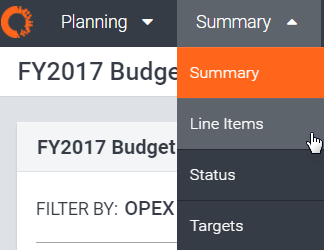
Select the ‘Summary’ tab drop down from the top of the screen and then select ‘Line Items’.
Step 3:
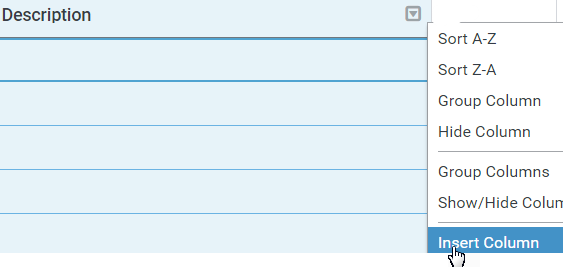
Click the drop down arrow next to a column name again and select ‘Insert Column’:
Step 4:
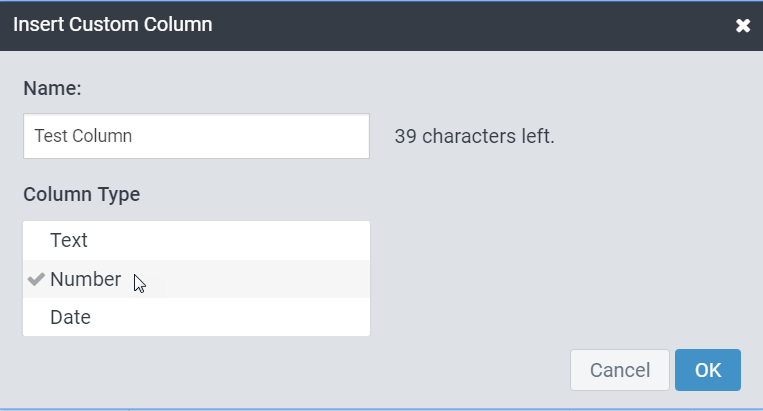
Fill out the custom column information as needed and click ‘OK’:
Step 5:
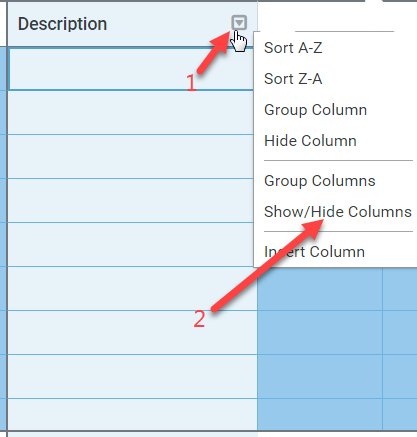
On any of the columns, select the drop down then click on ‘Show/Hide Columns’:
Step 6:
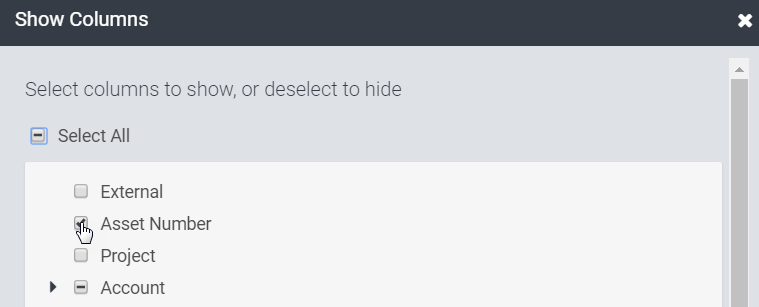
Unselect the checked box next to the column to be hidden (renamed):