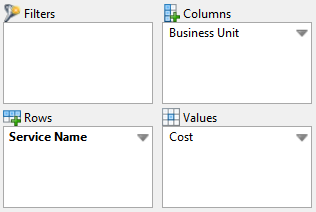
You can click and drag each column header left or right to a new position in the report table.
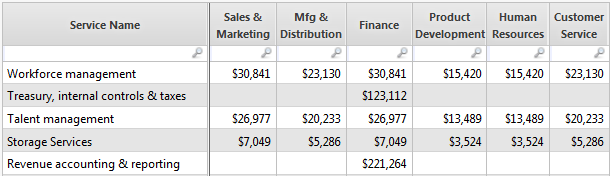
Here's an example of alphabetically sorted business unit column headers.
BEFORE
AFTER
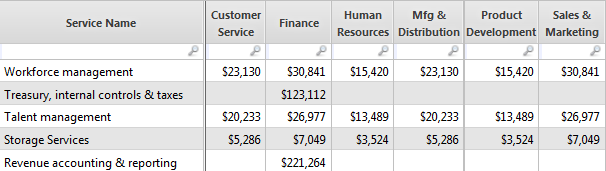
To produce the table above, I also froze the position of the Service Name column.
(right-click column header name > Freeze Column)
Manual positioning is the only option for table column order.
Table row order on the other hand can be set for ascending or descending for each field listed in the Rows section of your ad hoc query configuration dialog: