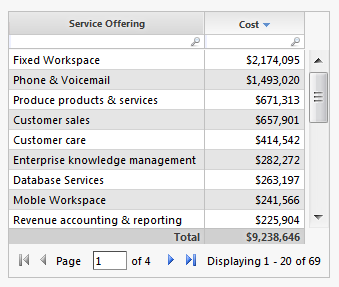
If the entire report table is empty (no data at all) in some months, then one option is:
1. Switch to report edit mode.
2. Select the report table.
3. (top) Ribbon > Author > Visibility > Report Component Visibility: Component contains data > OK.
4. (top) Ribbon > Insert > HTML.
5. In the new HTML component, paste this text: <span style="font-size:200%">Data not available this month</span>
6. Move the new HTML component to overlap (visually block) the report table.
7. Right-click HTML component > Send to Back.
Now the report table will vanish in months with no data, and the HTML component will instead show up in its place for those months: