Hello, if you are on R11 and attempting to run a Download Connector in Datalink, but keep bumping into "Download Failed (404): Not Found" or "Table not found" errors, the problem may be related to the API URL generated in Cost Transparency.
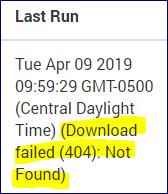
In our case, Cost Transparency was not encoding the URL listed in the 'API Export' window correctly. This bad URL caused our connector to error out. Apptio Support said this bug is specific to R11 and suggested a helpful workaround.
If you are running into this issue, try the following solution:
1. Navigate to the API Info, for the report component or data you are interested in:
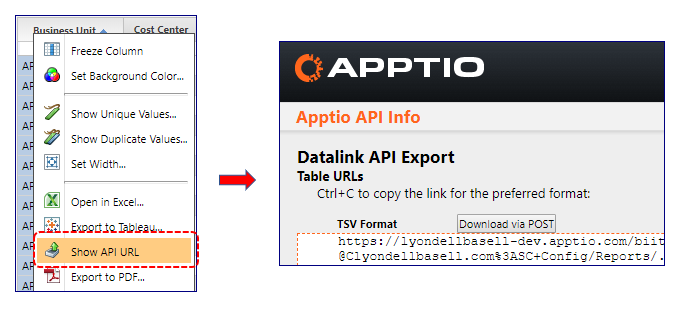
2. Copy the URL and paste into a text editor, such MS Word
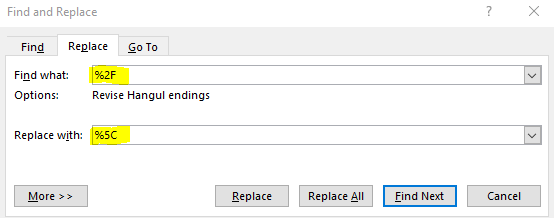
3. Run a Find and Replace -- replace all "%2F" with "%5C"
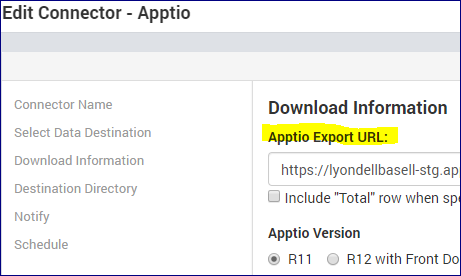
4. Update your Datalink Connector - Copy the updated URL (Step 3) and paste into the "Apptio Export URL" section:
5. Run the connector
Hope that helps!