IBM QRadar SOAR

IBM QRadar

Join this online topic group to communicate across Security product users and IBM experts by sharing advice and best practices with peers and staying up to date regarding product enhancements.


#Security
#QRadar
#SecuringhybridcloudandAI
 View Only
  • 1.  Pretty printed JSON output

    Posted 11/13/18 09:12 AM
    If your function returns a string in JSON format that you wish to save to a Note in the post-processing script, you can use json.dumps() function with an indent argument, that automatically formats content, to make it more readable. If you add sort_keys=True the output of dictionaries will be sorted by key:
    import json
    ...
    results = json.dumps(person_list, sort_keys=True, indent=4, separators=(',', ': '))yield FunctionResult(results)

    In the post-processing script add the Note as a plain text:

    incident.addNote(noteText)


    Pretty printed JSON output:
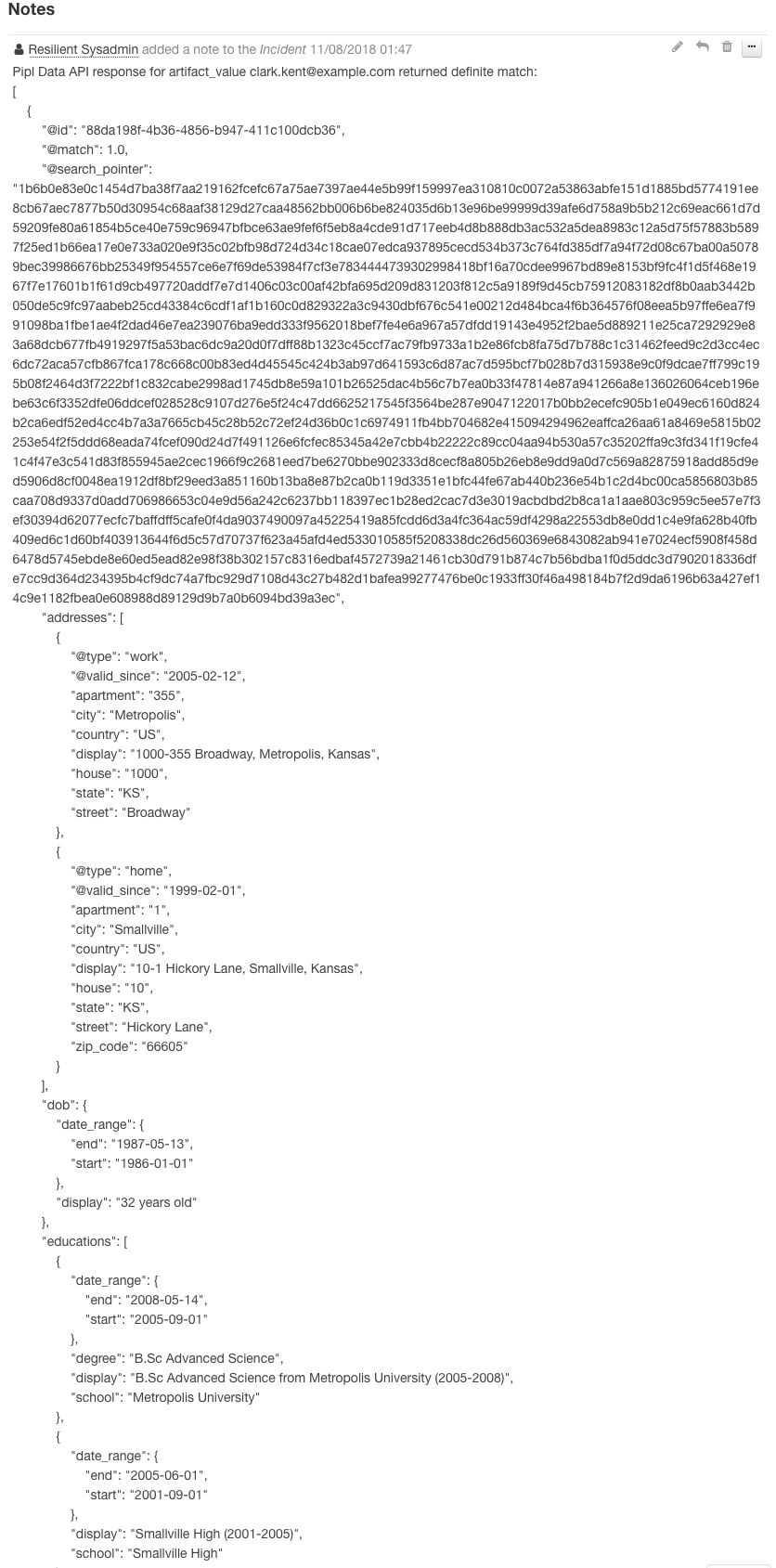
    Pretty printed JSON result


    ------------------------------
    Tamara Zlender
    ------------------------------


  • 2.  RE: Pretty printed JSON output

    Posted 05/05/21 11:24 AM
    Is there a better way for doing this now on 38.x as I receive the following if I attempt to do that?

    Script contains the following illegal imports: json

    ------------------------------
    Mr Coco
    ------------------------------


  • 3.  RE: Pretty printed JSON output

    Posted 05/06/21 06:58 AM
    Hi Mr Coco,

    In order to import json your script needs to be running in Python 3 which was released in version 38.2. For more info see the documentation and our example scripts repo:

    https://www.ibm.com/docs/en/rsoa-and-rp/38?topic=scripts-python-2-python-3-differences
    https://github.com/ibmresilient/resilient-scripts/tree/master/python3

    ------------------------------
    Sean Mc Cann
    ------------------------------