Hi Abdulrahman. (Assuming you have MS SQL Enterprise edition) You will use JDBC to connect to MS SQL and pull the audit records from the created view. In the DSM ( you can find the actual version at this short-link
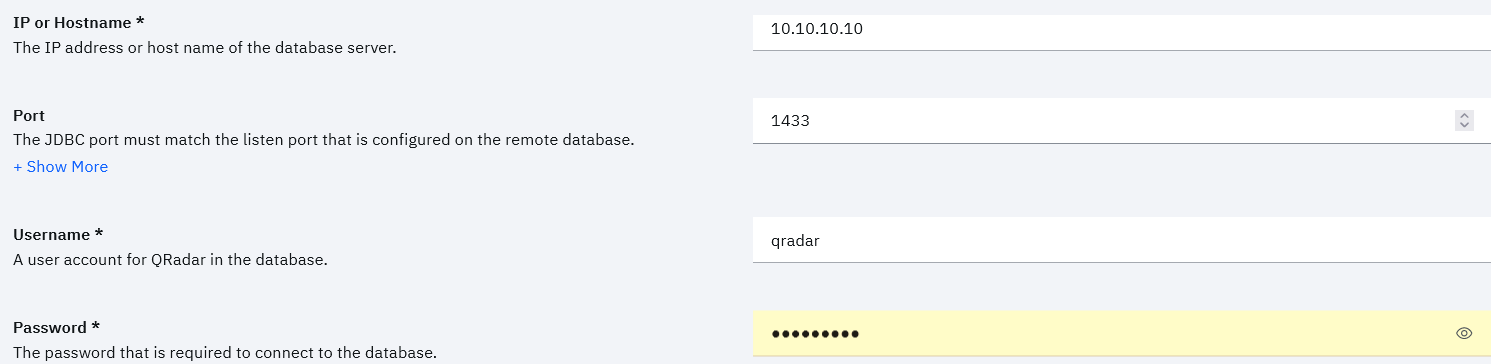
ibm.biz/QDSMguide ) guide you have the configuration steps described for all the out-of-the-box supported log sources. It looks like the steps to create the DB view in the document you attached were taken from the DSM guide. You need to create and use the credentials that are adequate for QRadar to connect to your SQL Server and read/pull the audit events; when creating a log source you will have the lines where to enter the username/password for this (see the example screenshot)
------------------------------
Dusan VIDOVIC
------------------------------