Option 1 worked ! Thanks!
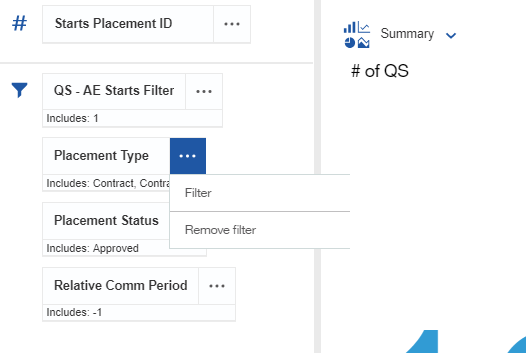
Option 2: If I'm in the Dashboard object I can click on the the 3 dots, but that is it. (See below)
Although Option 1 worked, it gives you the spec for the full Dashboard, all tabs, all objects. I was able to search for the Title of my object in the Spec to get to the correct area to find what I needed.
------------------------------
David Lydon
------------------------------
Original Message:
Sent: Wed April 10, 2019 11:31 AM
From: DENNY NAREZNY
Subject: Identifying an Element's Query Object inside a Dashboard Object
Hey @David Lydon,
You can use 1 of the below 2 options to view the source of the query items:
Option 1 - View the Dashboard specification
If you press ctrl + / + q on your keyboard it will bring up the dashboard spec and you can see the full path of the query items.
Option 2 - Create A Custom Calculation
If you click on the properties of the query item and select Calculation and select Use Calculation Editor, the editor will display the full path of the query item.
Hope that helps.
------------------------------
DENNY NAREZNY
------------------------------