Applies to: All products
Launch date: November 16, 2020
Today we're releasing a capability in Apptio products to allow customers to update their user experience and navigation to the new Apptio Experience, or Apex. Apex is our design system language that will bring a modern, streamlined user experience to all Apptio products. This update is opt-in and will not be enabled by default. Users will be prompted via an in-app notification to try out the new Apex user experience.
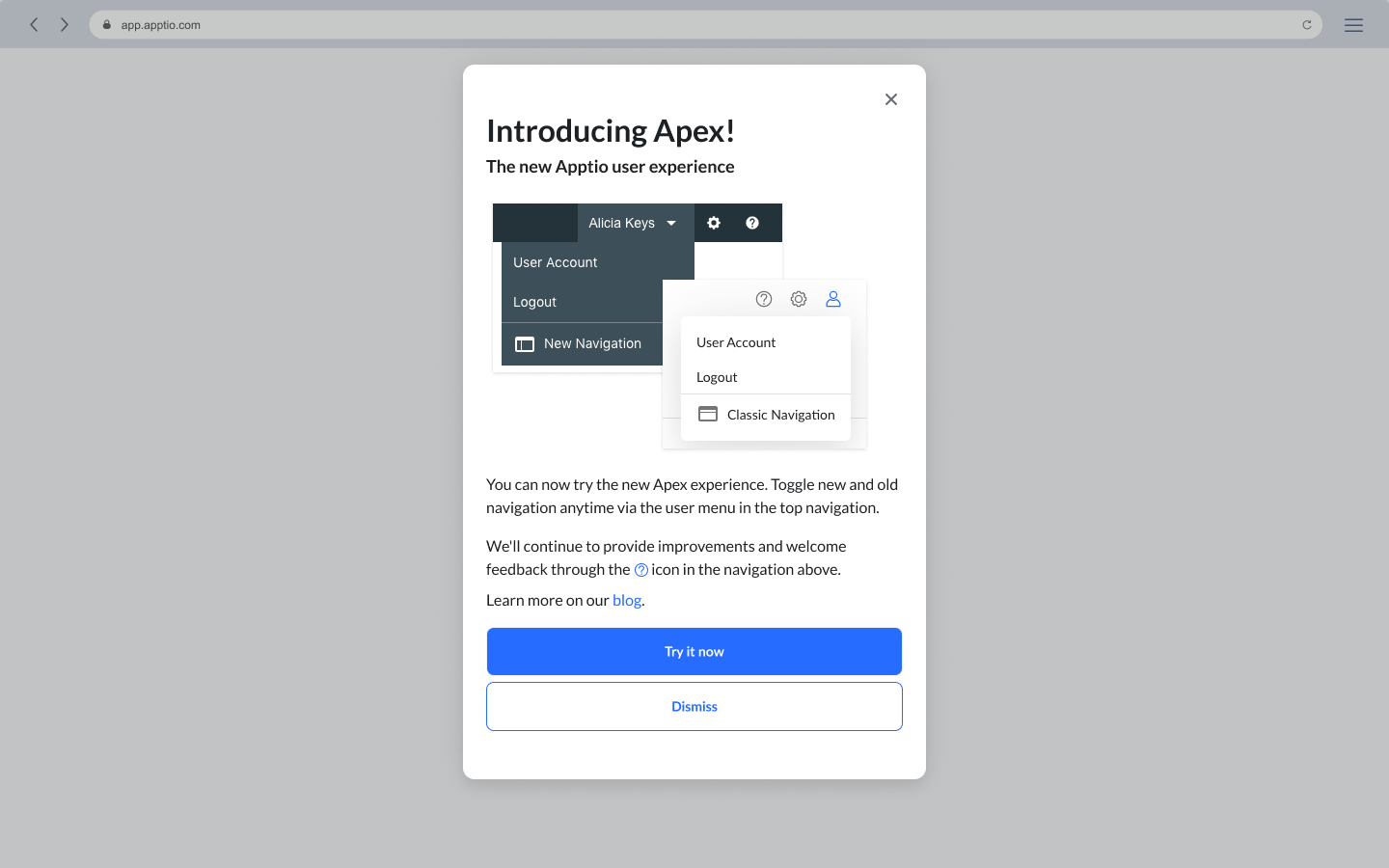
We're excited to release this update and combine a best-in-class user experience with the value that Apptio's products brings to our customers.
Two Navigation Options
You can control the ability to toggle between existing top navigation and left navigation by using the user profile menu in the top right of each page.
Classic Navigation - the current blue-gray menu bar found in all Apptio products.
New Navigation - the Apex user experience introduces a new streamlined top bar for navigation and a left navigation column for navigating within a product.
Toggling between the two navigation options will persist across products until the user changes from Classic to New or vice versa.
"Classic" navigation

"New" Apex navigation

Product Navigation
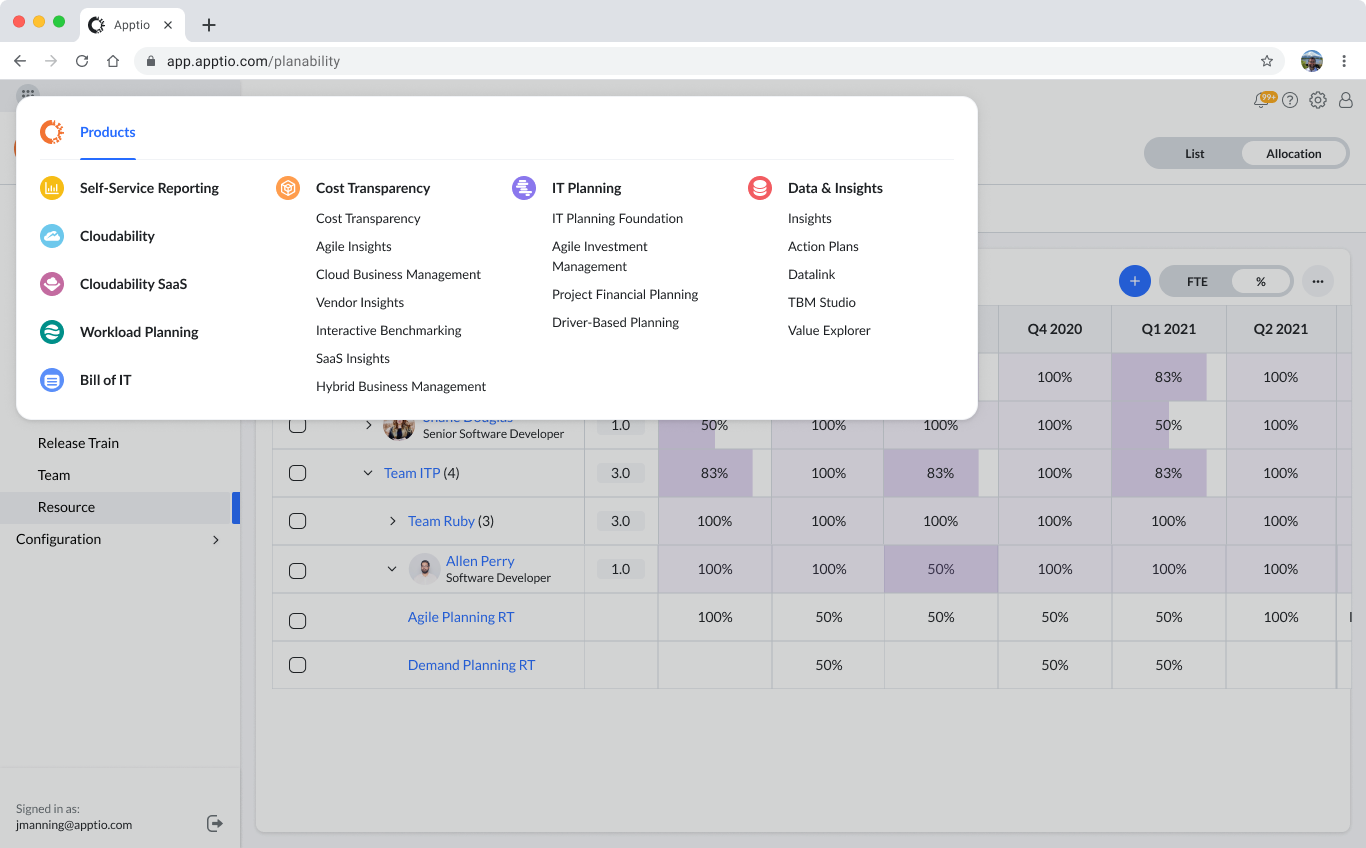
With the update to Apex navigation, customers will be able to use the new application launcher. This is a menu which provides quick access to all Apptio products. For products a customer is not currently using, we've provided a convenient link to an information form to learn more.
To open the application launcher, click the "grid" icon in the top left corner of any page.
App Home Page
As we continue to update our product portfolio to reflect the needs of our customers, we have introduced the App Home page. The App Home page is our initial move to providing a more full-featured, comprehensive product landing page, allowing you to see all your products in one place. To open the App Home page, click the Apptio logo on any product page.
More to come on this topic and we welcome your feedback. What would you like to see when you log in to Apptio?

Product Feedback
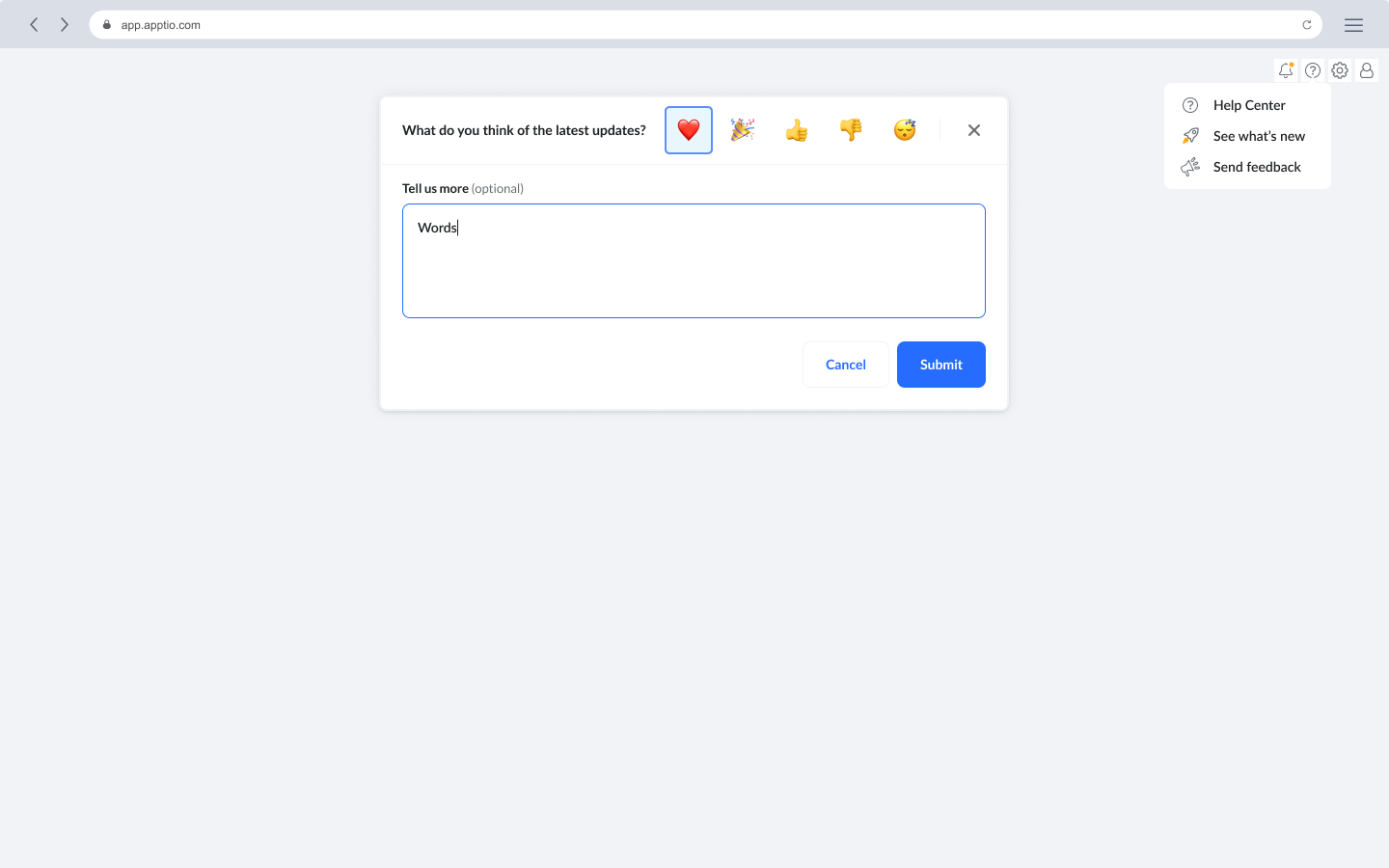
We welcome your feedback and want to hear what you think of the latest updates! To give feedback, go to the help menu at the top of any page and click "Send Feedback". This opens a minimized modal window. Tell us what you think with a single-click emoji, or enter a message to give us more in-depth feedback.
We'll read and respond to all feedback. We think this will be a great way to gather feedback about how we can improve Apptio products and continue to provide value to our customers.
What's coming in 2021?
Our objective in 2021 is to provide an industry-leading product experience and a suite of tools that allows you to manage IT costs through a transparent, collaborative platform. We've worked to reduce extraneous page elements and provide an easy-to-learn, and easy-to-use, product user interface. With Apex, the interface elements fade into the background, allowing you to focus on the data and management of your IT infrastructure in products such as Self-Service Reporting & Analytics, Action Plans, and Agile Investment Management.
More about Apex, the Apptio Experience
The Apex visual style reflects a clean, modern aesthetic that highlights customer data and the de-emphasizes the surrounding product navigation. Our Alpine color palette heightens the focus around primary actions, which makes it easier to navigate through the products.
With the release of Apex, we'll reduce time to value and move our customers rapidly from exploration to insight. Apex is our first step in unifying the product user experience across our many offerings into a common platform. At the user interface layer, customers will benefit from familiar, learnable patterns that can be applied across all products.
Apex is comprised of common interface patterns and an updated navigation paradigm displayed in a collapsible left panel navigation. We've thought deeply about our primary user interactions and have reduced the cognitive load of too many navigation choices, moving tertiary and supplemental controls to overflow menus. Using the application switcher, you can move quickly between products. Consistent utility navigation allows you to launch contextual product help or manage your preferences. You can summon the left navigation panel to navigate across products, then dismiss it to let you focus on the data presented on the page.
Public blog post: Apex: The New Look and Feel for Apptio Products - Apptio