Hello, @Babasaheb Deshmukh.
I would refine @Kristine Klein's answer by specifying a Range in the Months (Yr) selection. After adding Months (Yr) to the Time section of the report, right-click on it and select Range
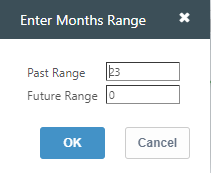
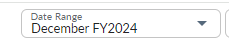
To get the full two years, I'd put 23 periods in the past and zero in the future. This will work well if you set the Date Range to December, e.g.:
CT will display the 24 months you're after:
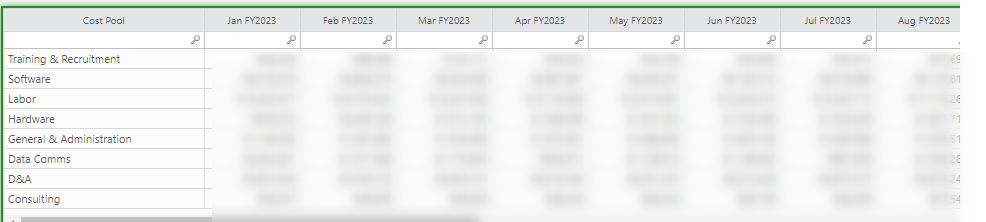
I know, it's not very elegant, but I don't think we can do it in a different way. You could play with other ranges, taking into account the current month, but I wouldn't like that.
An option could be Yrs(-1,0), but it will only provide the totals for every year you select, not on a monthly basis.
Maybe it would work better in Apptio BI:
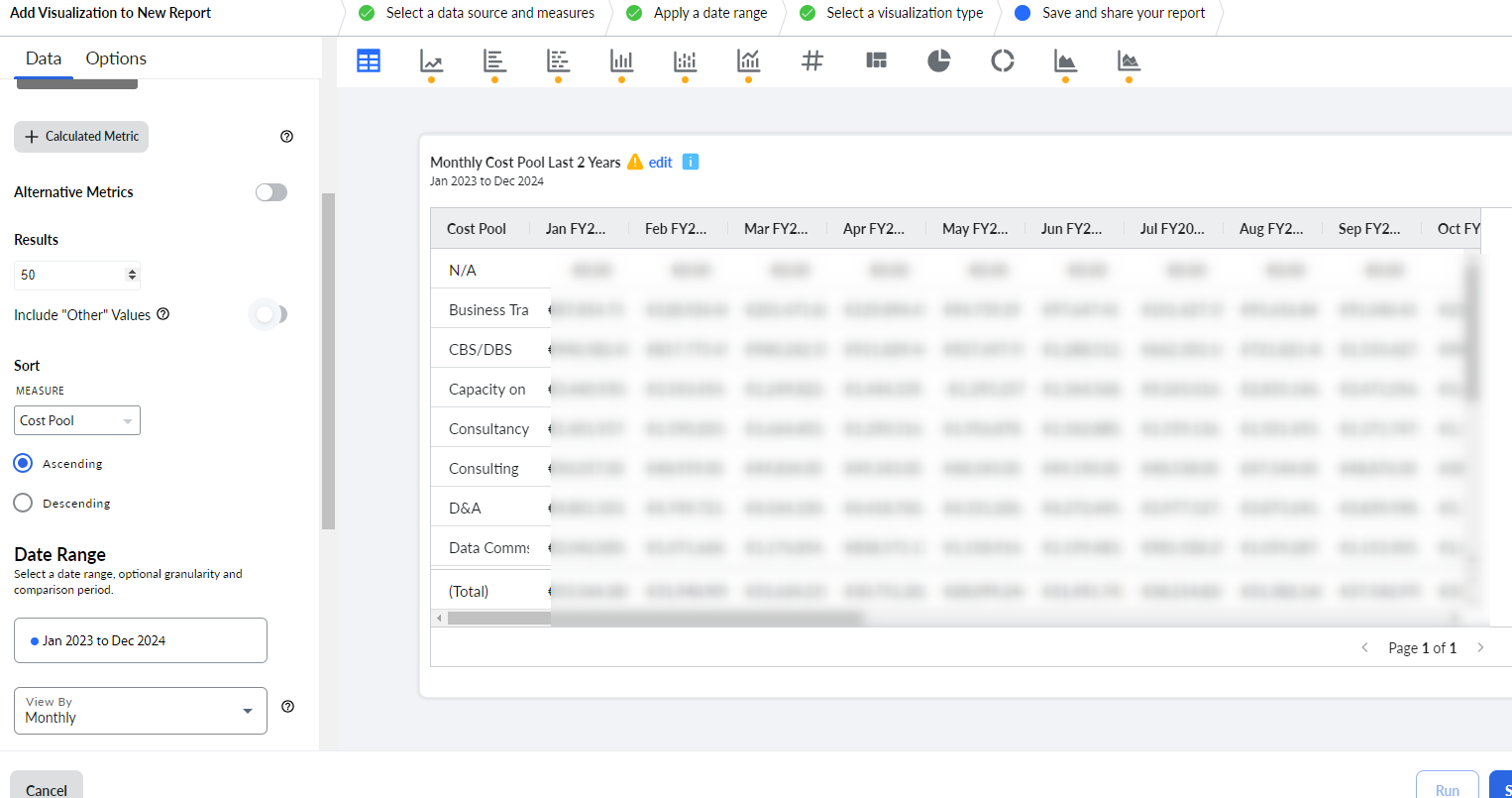
By selecting a fixed interval in Data Range, you would also get what you want, independently of the current period.
#TBMStudio