IBM MQ Explorer
Provide feedback here: https://ibm.biz/MQExplorerFeedback
IBM has announced the deprecation of IBM MQ Explorer, with IBM MQ Console becoming the primary administration experience for IBM MQ. Although we haven’t announced a removal date yet, now is the opportunity for you to have your say on future of MQ administration to ensure that the tooling MQ provides meets your needs going forward.
Rather than simply reproducing every MQ Explorer feature in a web-based UI, we want to create an operational experience that helps users understand, diagnose, and manage MQ environments with greater confidence and at greater scale.
Whether you're a long-time MQ Explorer user, an MQ Console user, or a combination of both, this is what we'd like to hear from you
- MQ Explorer functions you use which cannot be completed using the IBM MQ Console today
- Who MQ Explorer is used by e.g. administrators, developers or SRE
- What tasks or workflows do you use MQ Explorer for?
- What capabilities would you like to see in the MQ Console that may not exist in any admin tool (including MQ Explorer) today?
- Which automation or GitOps tooling you currently use or plan to use alongside IBM MQ?
Provide feedback here: https://ibm.biz/MQExplorerFeedback
The full announcement and deprecation notice can be found here: https://www.ibm.com/docs/en/announcements/mq-1001
What’s New in the MQ Console?
Over recent releases, MQ Console has evolved from a browser-based administration interface for creating queues or modifying channels on individual queue managers into a broader operational single pane of glass for multiple remote queue managers, designed to help users understand the health, state, performance, resilience, and dependencies of an increasingly complex messaging environment.
The MQ Console is constantly being updated with new functionality, with 60+ new features added in the last 2 years alone - some of the highlights include:
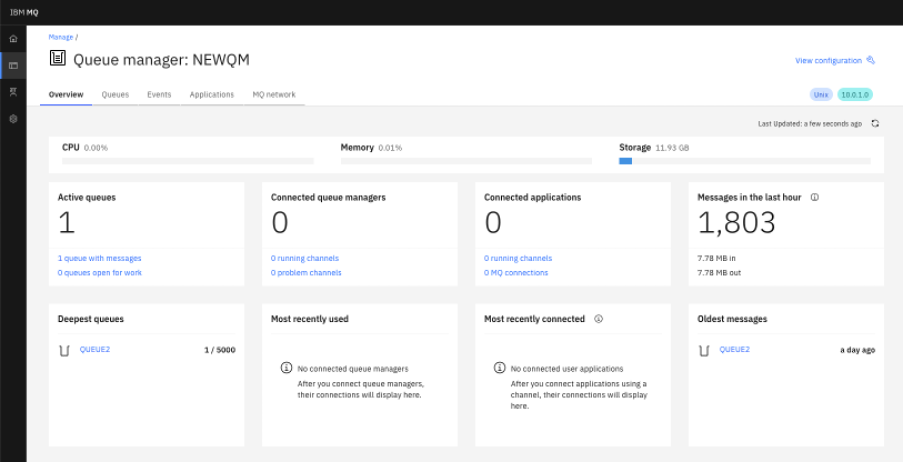
Queue manager status and health monitoring including resources
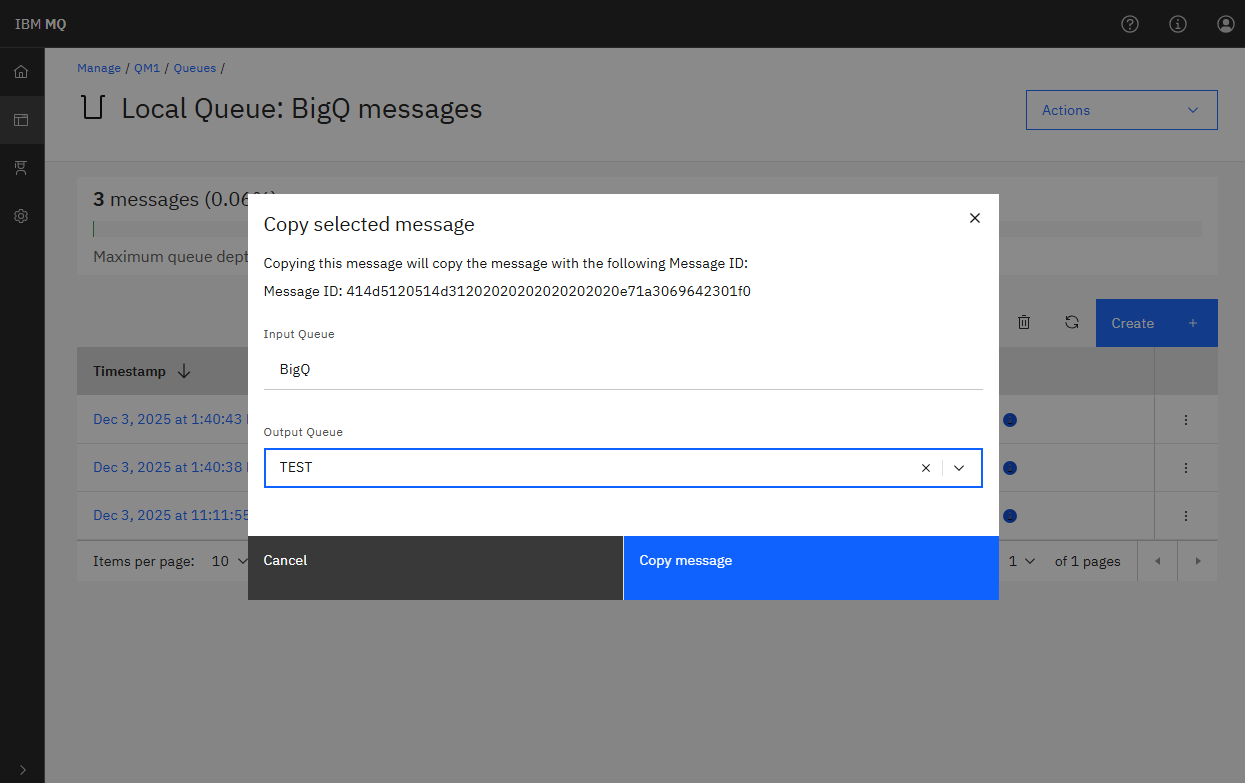
Message browsing, movement, and copy
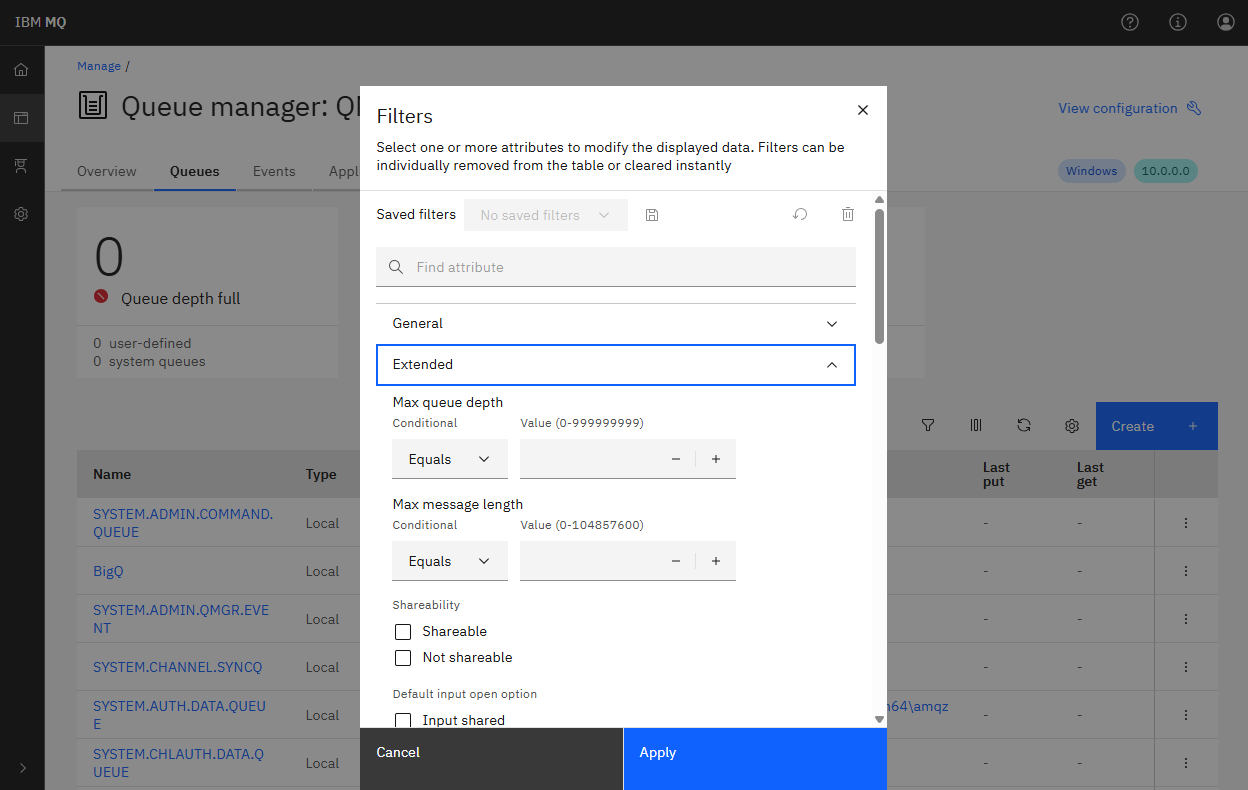
Advanced filtering and search of MQ objects
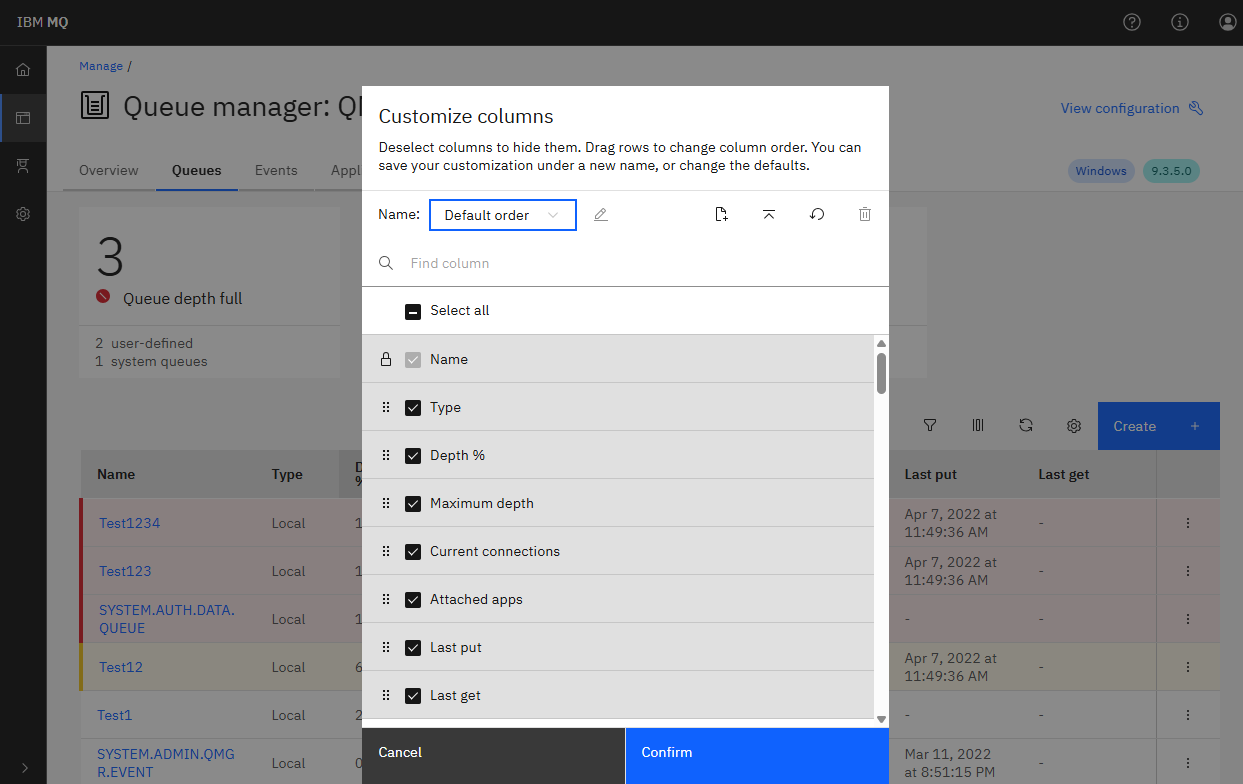
Customisable MQ object columns
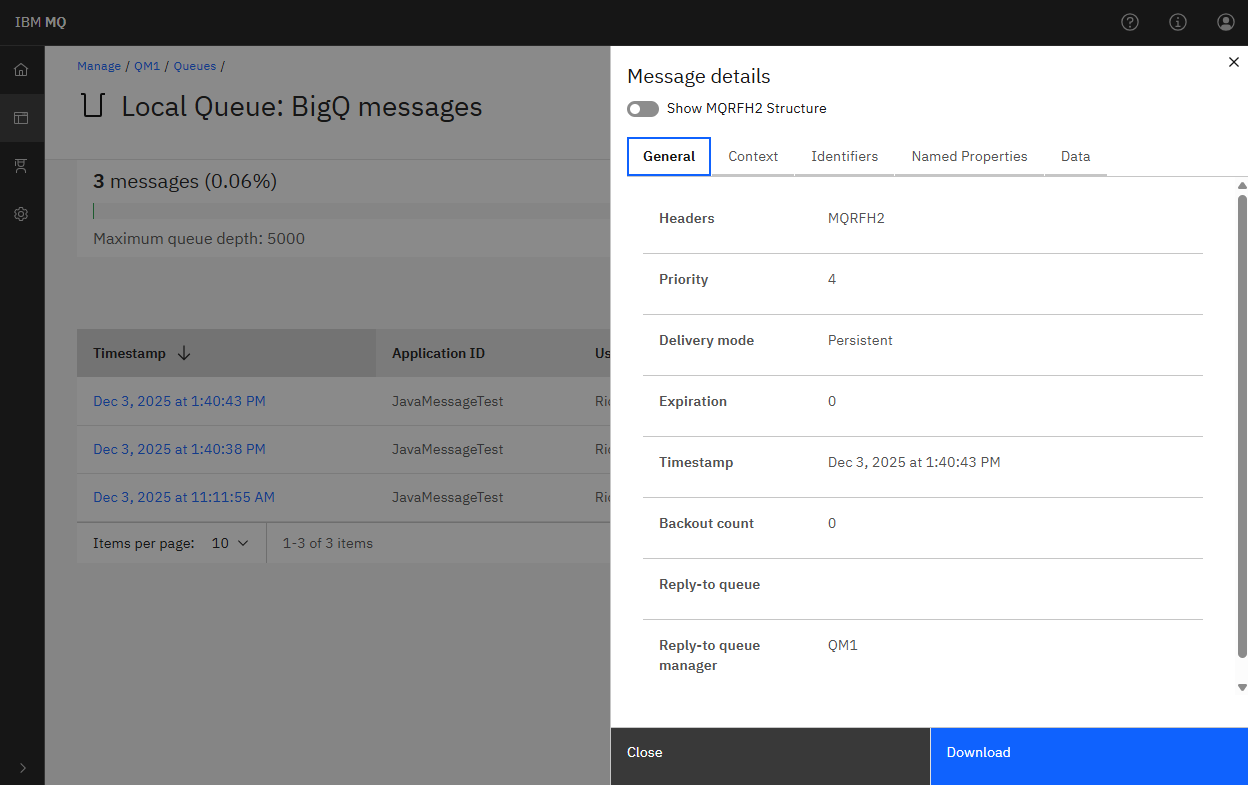
Message header details
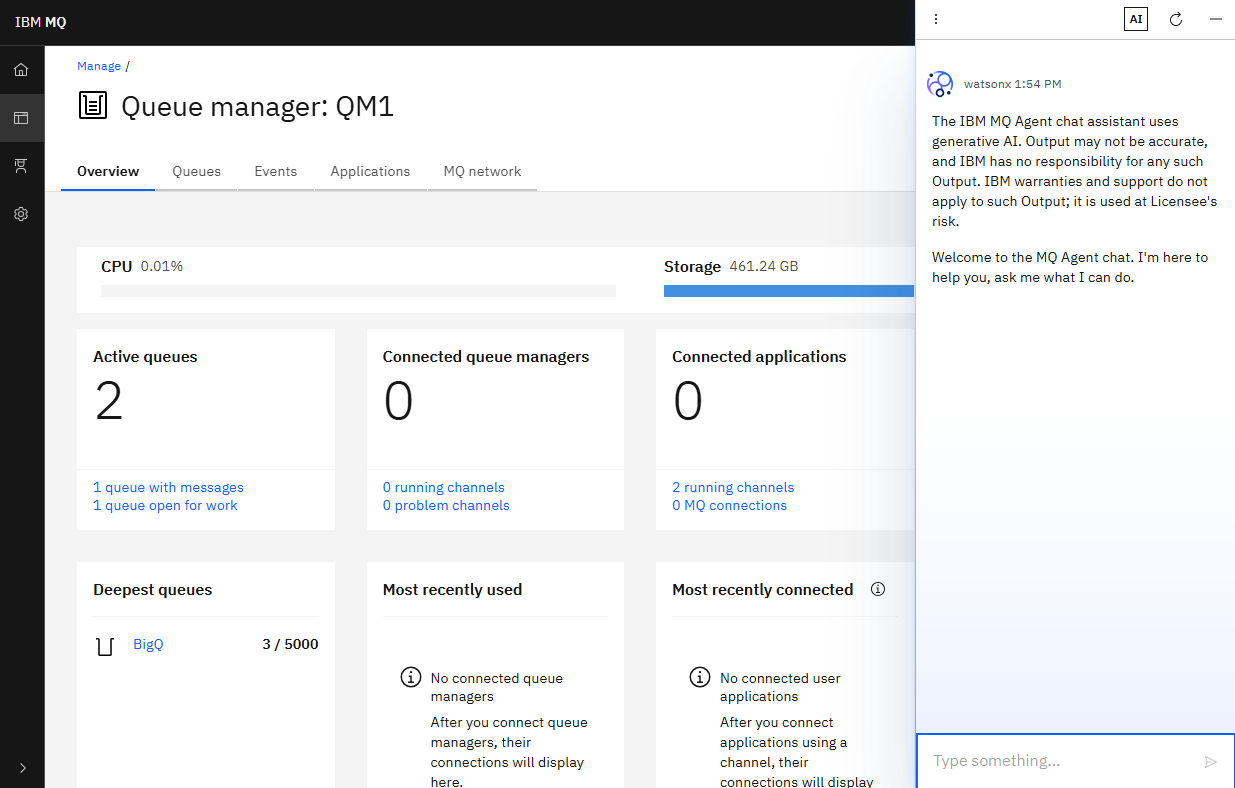
AI agent powered operational experiences
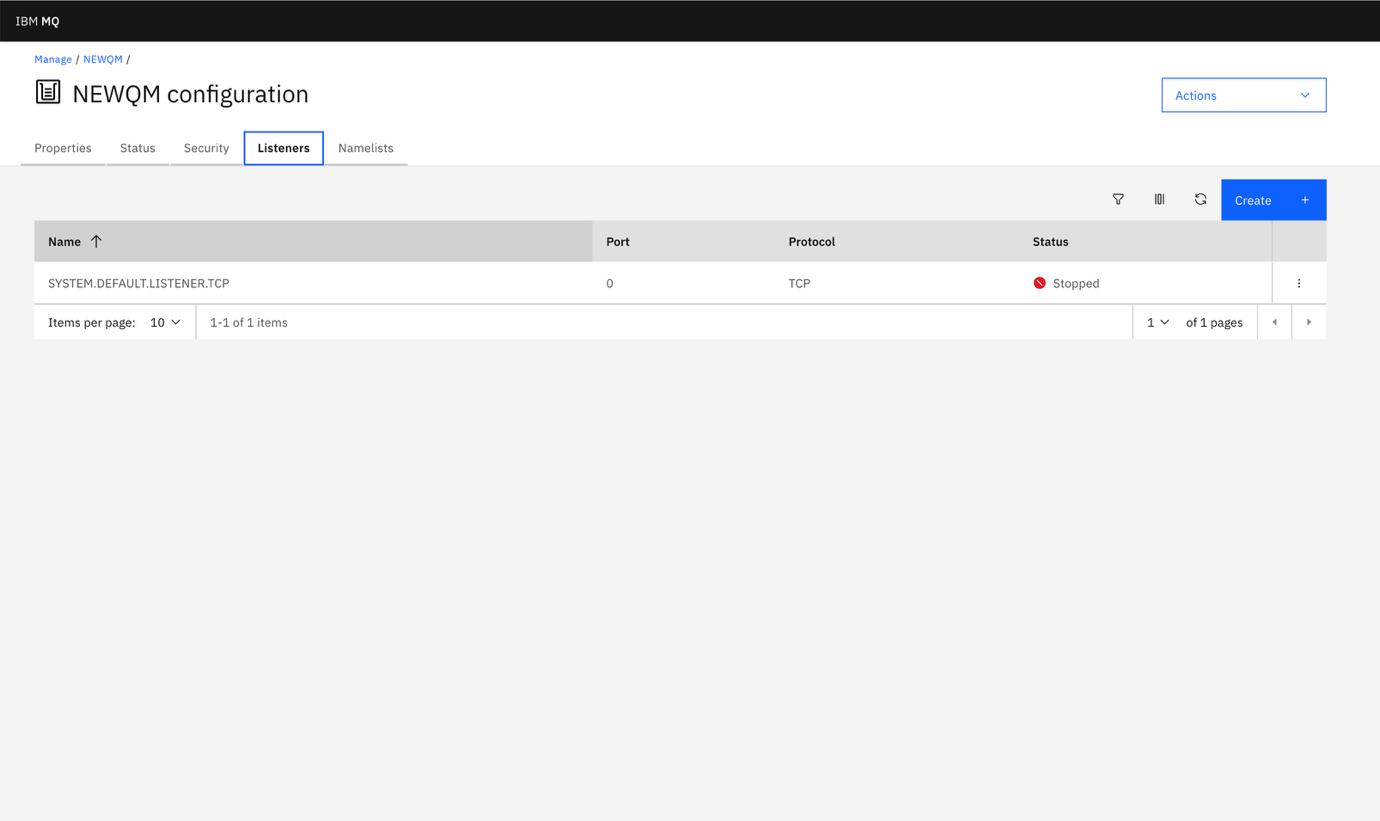
Listeners and namelists
Get started with IBM MQ Console today here: https://www.ibm.com/docs/en/ibm-mq/10.0.x?topic=console-getting-started-mq